# Unable to open CMake on Windows 10
**URL:** https://discourse.cmake.org/t/unable-to-open-cmake-on-windows-10/816
**Category:** Usage
**Tags:** os:windows
**Created:** [March 18, 2020, 8:35am UTC](https://discourse.cmake.org/t/unable-to-open-cmake-on-windows-10/816 "2020-03-18T08:35:43Z")
**Posts on this page:** 7
**Page:** 1
### Author:  [@jannepietila](https://discourse.cmake.org/u/jannepietila)
#### Post date: [March 18, 2020, 8:35am UTC](https://discourse.cmake.org/t/unable-to-open-cmake-on-windows-10/816/1 "2020-03-18T08:35:43Z")
Hello,
I’m trying to use CMake GUI (cmake-3.16.5-win64-x64) for building a certain project. I’m using Windows 10 Pro version 1903.
When I’m trying to open CMake (executing cmake-gui), the program appears in the windows toolbar, but doesn’t show any window, thus I’m unable to do anything with CMake. CMake seems to be stable, so that it shows up in task management and when I close it there, it closes as it should. I have uninstalled CMake from my computer and deleted the installer tool and then downloaded the latest stable installer tool again and reinstalled the software. However, this didn’t do any difference. I also tried only downloading just the .zip and extracted the software, and this didn’t do any difference.
Is this some bug in CMake or in Windows or maybe I have somehow installed CMake the wrong way?
Thanks in advance for your help!
---
### Author:  [@ben.boeckel](https://discourse.cmake.org/u/ben.boeckel)
#### Post date: [March 18, 2020, 11:47am UTC](https://discourse.cmake.org/t/unable-to-open-cmake-on-windows-10/816/2 "2020-03-18T11:47:45Z")
Are there any error messages available? Is there any relevant output if you run it from a `cmd` shell?
FYI: @brad.king
---
### Author:  [@jannepietila](https://discourse.cmake.org/u/jannepietila)
#### Post date: [March 18, 2020, 12:53pm UTC](https://discourse.cmake.org/t/unable-to-open-cmake-on-windows-10/816/3 "2020-03-18T12:53:19Z")
If I run cmake.exe form cmd line, it seems to work properly (I guess), no errors.
If I run the cmake-gui.exe from cmd line, the same thing happens as before and no output or error messages. (so I’m unable to do anything with the gui)
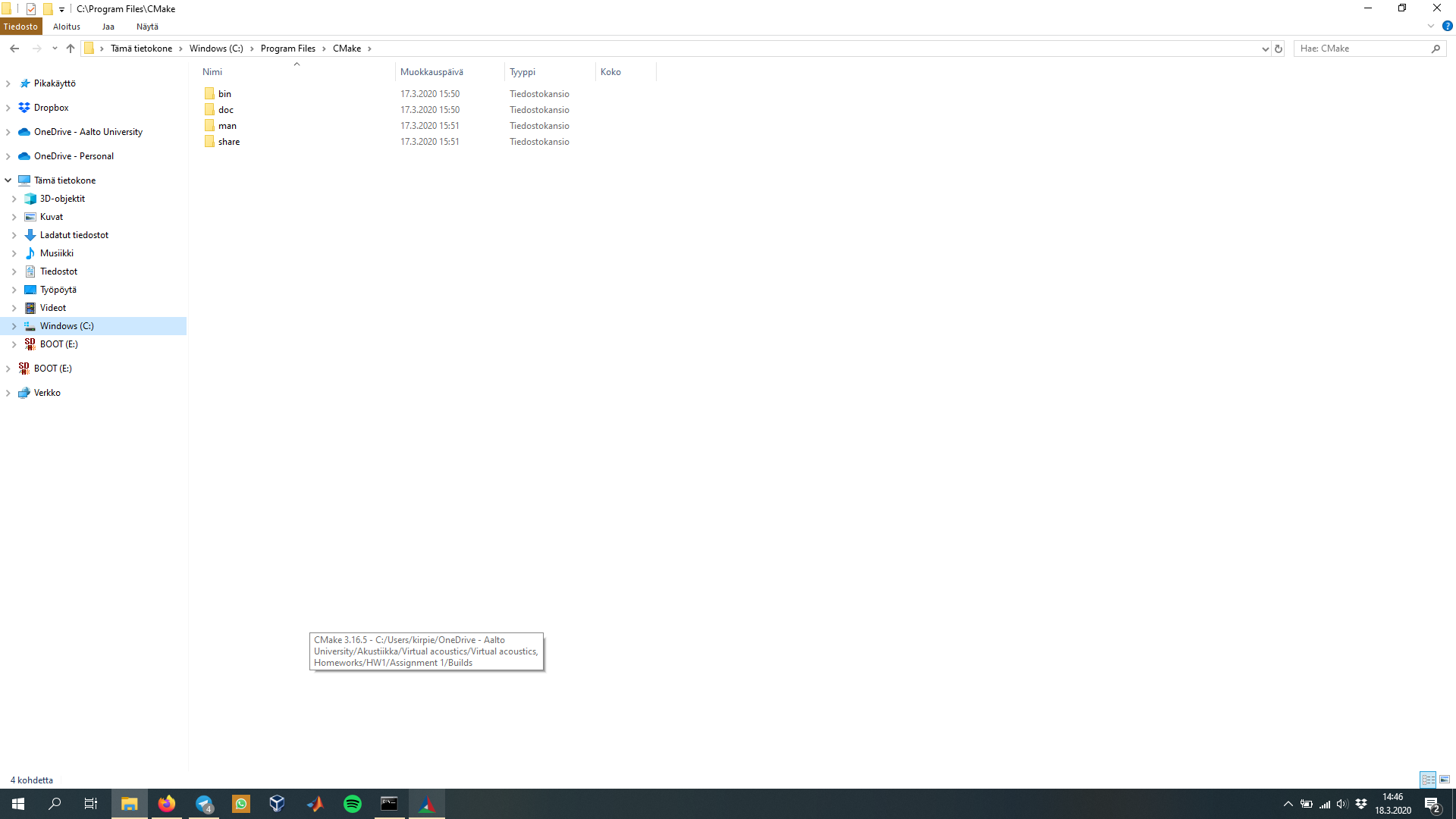
I was checking that, when the CMake GUI appears in the Windows toolbar and I hover on the thumbnail, it shows the last project folder, where I used previously CMake for building. So, might this be some problem that it remembers the last project and somehow tries accessing it? (picture attached on this)
---
### Author:  [@MathiasMagnus](https://discourse.cmake.org/u/MathiasMagnus)
#### Post date: [March 18, 2020, 3:31pm UTC](https://discourse.cmake.org/t/unable-to-open-cmake-on-windows-10/816/4 "2020-03-18T15:31:09Z")
I think the window is appearing off the desktop. If you hover over the icon on the taskbar, do you see the window thumbnail?
---
### Author:  [@jannepietila](https://discourse.cmake.org/u/jannepietila)
#### Post date: [March 18, 2020, 3:43pm UTC](https://discourse.cmake.org/t/unable-to-open-cmake-on-windows-10/816/5 "2020-03-18T15:43:24Z")
Hi,
Yes, that seemed to be the problem! I right-clicked the thumbnail and clicked the window to full screen and got it back to my desktop and now it seems to work fine again. So, the problem was probably that it was off the desktop.
Thanks very much for your help!
---
### Author:  [@more\_never](https://discourse.cmake.org/u/more_never)
#### Post date: [January 15, 2023, 7:07am UTC](https://discourse.cmake.org/t/unable-to-open-cmake-on-windows-10/816/6 "2023-01-15T07:07:10Z")
Hi, You can use Alt + Tab to focus the CMake application and use Alt + Space to show the menu of adjusting the size. Then you will get it again.
---
### Author:  [@Bi\_M](https://discourse.cmake.org/u/Bi_M)
#### Post date: [April 28, 2023, 1:42pm UTC](https://discourse.cmake.org/t/unable-to-open-cmake-on-windows-10/816/7 "2023-04-28T13:42:51Z")
This is working, but problem is whenever I am minimizing, I need to repeat this agian.