# How to install the most current version
**URL:** https://discourse.cmake.org/t/how-to-install-the-most-current-version/1400
**Category:** Usage
**Created:** [June 17, 2020, 11:06pm UTC](https://discourse.cmake.org/t/how-to-install-the-most-current-version/1400 "2020-06-17T23:06:43Z")
**Posts on this page:** 3
**Page:** 1
### Author:  [@PaulGureghian](https://discourse.cmake.org/u/PaulGureghian)
#### Post date: [June 17, 2020, 11:06pm UTC](https://discourse.cmake.org/t/how-to-install-the-most-current-version/1400/1 "2020-06-17T23:06:44Z")
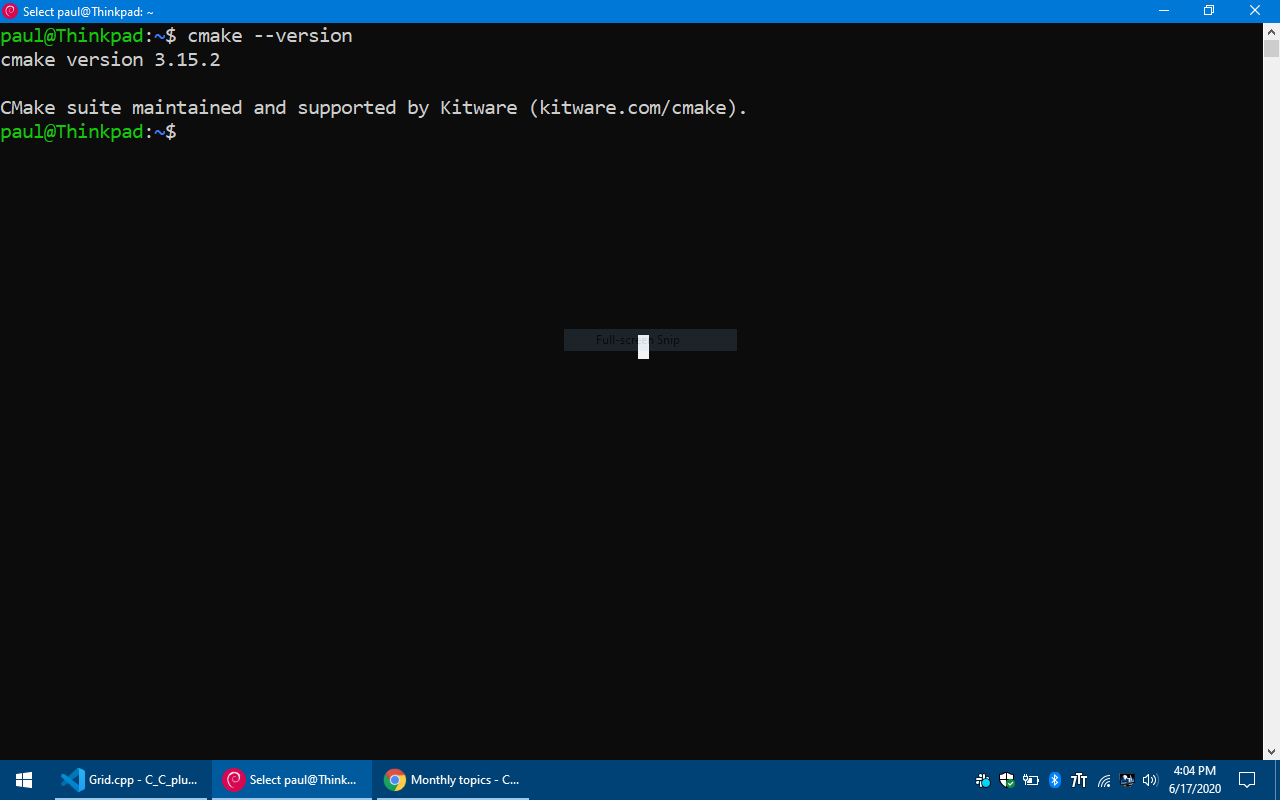
on Debian 10 ?
---
### Author:  [@jcfr](https://discourse.cmake.org/u/jcfr)
#### Post date: [June 18, 2020, 6:41am UTC](https://discourse.cmake.org/t/how-to-install-the-most-current-version/1400/2 "2020-06-18T06:41:17Z")
Since we only provide latest version of packages for Ubuntu (see [https://apt.kitware.com/](https://apt.kitware.com/)), you have the following options:
1. Download the pre-build binaries into `~/software` directory, and create symlinks to `~/bin`
2. Create a python virtual env and `pip install cmake`
---
### Author:  [@PaulGureghian](https://discourse.cmake.org/u/PaulGureghian)
#### Post date: [June 18, 2020, 4:08pm UTC](https://discourse.cmake.org/t/how-to-install-the-most-current-version/1400/3 "2020-06-18T16:08:45Z")
Yup. I’m on 3.17.3 now. thanks